Building AI Features in Websites and Apps

Integrating AI into a website or application opens up entirely new possibilities. It can range from creating smarter search functions and personalized recommendations, to analyzing large datasets, automating support flows, or providing users with an interactive assistant directly in the interface.
Leverage APIs
The most common way to get started is to have an application communicate with an AI model via API. Your code sends data (a prompt) to the model and receives a response that can then be used in the app.
For this to work well, two concepts are central: prompt engineering and context. Prompt engineering is about formulating your question or instruction in a way that the model understands and provides the best possible answer. A good prompt is often clear, well-defined, and can include examples. Context is the additional information you send along with the prompt to give the model the right background. It could be previous messages in a conversation or excerpts from a database that the model needs to provide accurate answers.
All text sent to or generated by the model is broken down into tokens. A token can be an entire word or part of one. As a rule of thumb, count approximately 4 characters per token or 75 words per 100 tokens. The cost of API calls is calculated per X tokens, both for the prompt and the response. A short question with a longer answer might total 500 tokens, while a conversation with extensive context could be thousands of tokens. That is when costs can quickly increase if you make many calls.

Established AI Services
Major players such as OpenAI, Anthropic, Mistral, xAI, and Google offer models via their APIs. They differ not only in price and quality but also in which features they support. Some models can accept images as input and analyze them alongside text. Others support calling external tools directly from the API, or running in different "modes" that optimize for speed or detailed output.
By choosing the right model for the right task, you can optimize for quality, cost, and functionality. The documentation is usually clear and there are plenty of examples, making these services the easiest way to start building AI features in an application.
See a list of models and pricing at models.dev.
Develop Your Own APIs
Sometimes you do not want to depend on an external provider, but rather build your own services where AI is integrated in the way that works best for your application.
Self-hosting
With tools like Ollama, you can run open-source models such as LLaMA, Mistral, or Gemma directly on your own computer or server. To make this work requires relatively powerful hardware. On the PC side, this often means a modern NVIDIA graphics card with plenty of VRAM. 8-12 GB is sufficient for smaller models, while larger variants can require 24 GB or more. On Mac, Apple Silicon chips work particularly well thanks to their memory architecture, where shared RAM is used as the equivalent to VRAM. A MacBook Pro with 32 or 64 GB RAM can therefore run significantly larger models than a basic laptop.
The advantage of self-hosting is control, high privacy, and no ongoing API costs. The disadvantage is that the very largest models are not practical to run locally, and performance is limited by your hardware.
Cloudflare AI
With Cloudflare Workers AI, you can run open-source models such as LLaMA or Mistral without setting up heavy servers yourself. You get access to an API that can be customized and integrated into your applications in the same way as other AI services. With Vectorize, there is a ready-made vector database for RAG solutions, and with AI Gateway you get features for caching, monitoring, and cost control. This solution makes it easy to build AI features without managing hardware, but you remain dependent on Cloudflare as a platform for running and scaling the models.
RAG – Building Apps on Your Own Data
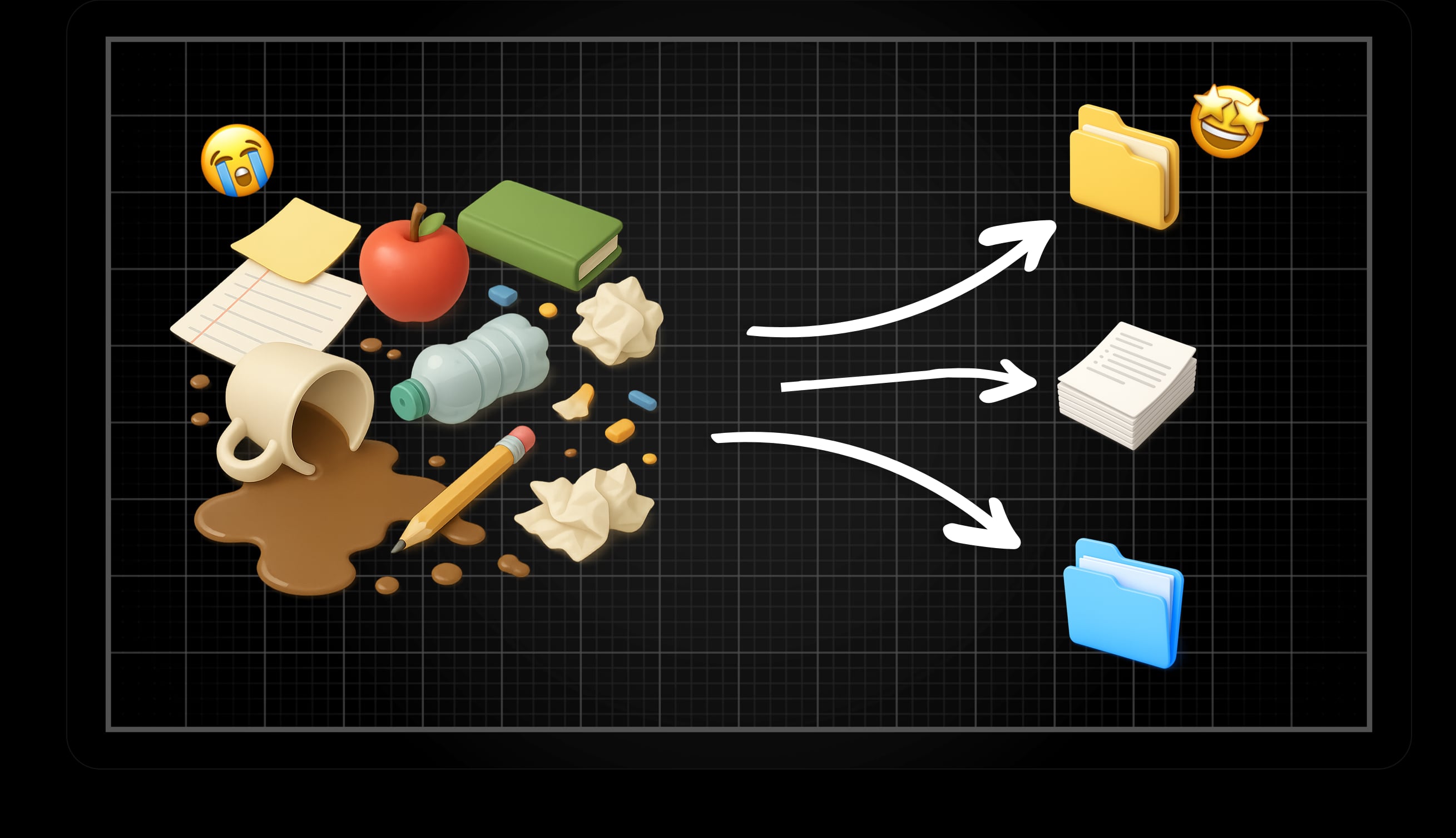
A language model only has access to information it was trained on when created. It therefore cannot know data that came later or data that was never public, such as internal documents, product manuals, or company-specific databases. If you want the model to be able to use such information, it needs to be made available in a structured way.
With RAG (Retrieval Augmented Generation), the information is stored in advance in a vector database. Text is broken down into smaller pieces, converted to vectors, and indexed. When a question is asked, it is converted to a vector and matched against the most relevant pieces in the database. These pieces are then sent into the prompt along with the question, so the model can provide answers based on your data.
Information that previously often had to be sent directly as context in every API call no longer needs to be repeated, but is stored and can be retrieved when needed. For best results, a combination of vector search (semantic similarity) and keyword search (exact matches) is used in a hybrid search.
MCP
With Model Context Protocol (MCP), AI models can gain access to external systems via standardized "tools". This means AI can not only answer questions but also take action – for example, fetch data, create or update records.
Develop and Use Your Own MCP Server
Your own MCP server can be built to expose the systems and functions that matter in your application. It could be integrations with databases, internal APIs, or business systems.
When creating a tool, not only its name and parameters are defined, but also a description. This description is used by the AI to determine when the tool is relevant to invoke. For example, if a tool has the description "creates a support ticket in the company's ticketing system," the model will, when a user writes "Create a ticket because login is not working," recognize that the tool matches the task and use it.
This way, AI can use your tools as natural parts of the conversation, without you having to hard-code the logic for each individual case.
Use Existing MCP Servers in Your Project
There are already ready-made MCP servers and tools that can be connected. By using these, you can quickly give AI new capabilities without building everything yourself. This could involve integrations with project management systems or business software. There are also MCP servers that expose general tools such as calculators, calendar management, or web search.
At the same time, it is important to use MCP tools with caution. Because AI decides when a tool should be used, you could inadvertently expose functions or data that should not be accessible. Be careful about which tools you connect, and ensure they only provide access to what is actually intended.
By choosing the right MCP servers and setting clear boundaries, you can expand AI's capabilities without extra development work, while maintaining control over what is exposed.
Conclusions
Building AI into applications is about combining different building blocks. APIs provide quick access to powerful models, self-hosted alternatives like Ollama give privacy and control, and platforms like Cloudflare make operations simpler. With RAG, AI can answer based on your own data, and with MCP it gets the opportunity to act in your systems.
But there are no ready-made recipes – you need to experiment. Different models can provide different types of answers, and the result is strongly influenced by how the prompt is formulated, what context is sent, and which model is used. Cost must also be considered; large context and many calls can quickly become expensive.
When these pieces are balanced correctly, AI can become more than a tool – it can become a natural part of your application's logic.