How to Structure Content in Your CMS
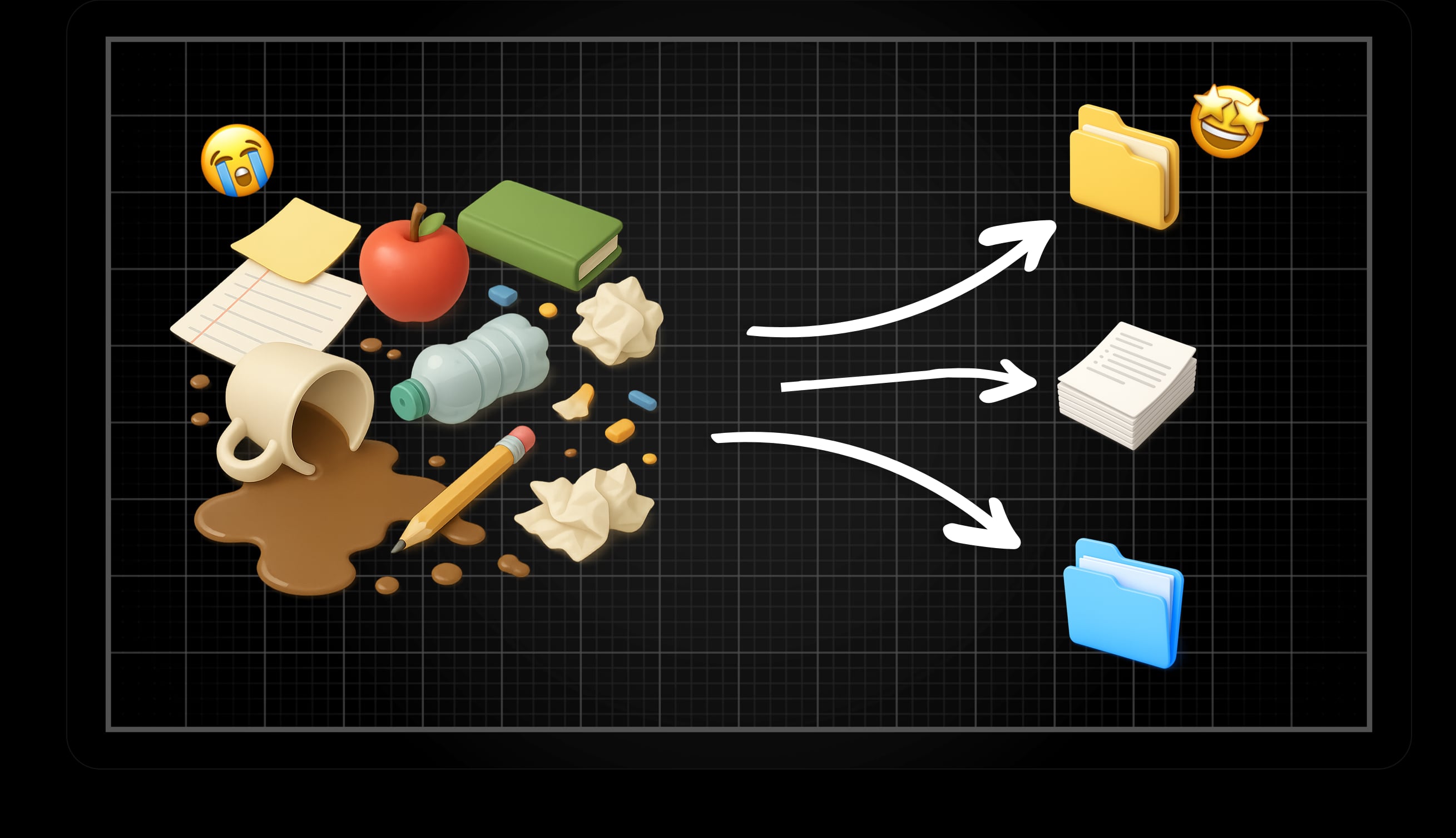
Regardless of which CMS you choose, there are choices to make about how you want to structure your content. In some cases it is very simple, when you perhaps only want a relatively static company site, with a couple of content pages. In other cases you want to showcase a broad product or service library, and in addition a news site/blog combined with static information pages.
Depending on how complex a setup you initially envision, it may be worth thinking one more time to avoid painting yourself into a corner if it turns out you want to expand the type of content on the site. Although you can of course adjust your structure and division of content as you go, it is always easier if you have a clear picture from the beginning, where you set up a structure that is flexible enough to scale and expand. This is to make the life of the content editor a little easier, and make content easier to find and filter for your visitors.
This article is about how you can think as an editor or administrator, regardless of which CMS you use.
Content Types vs. Taxonomies
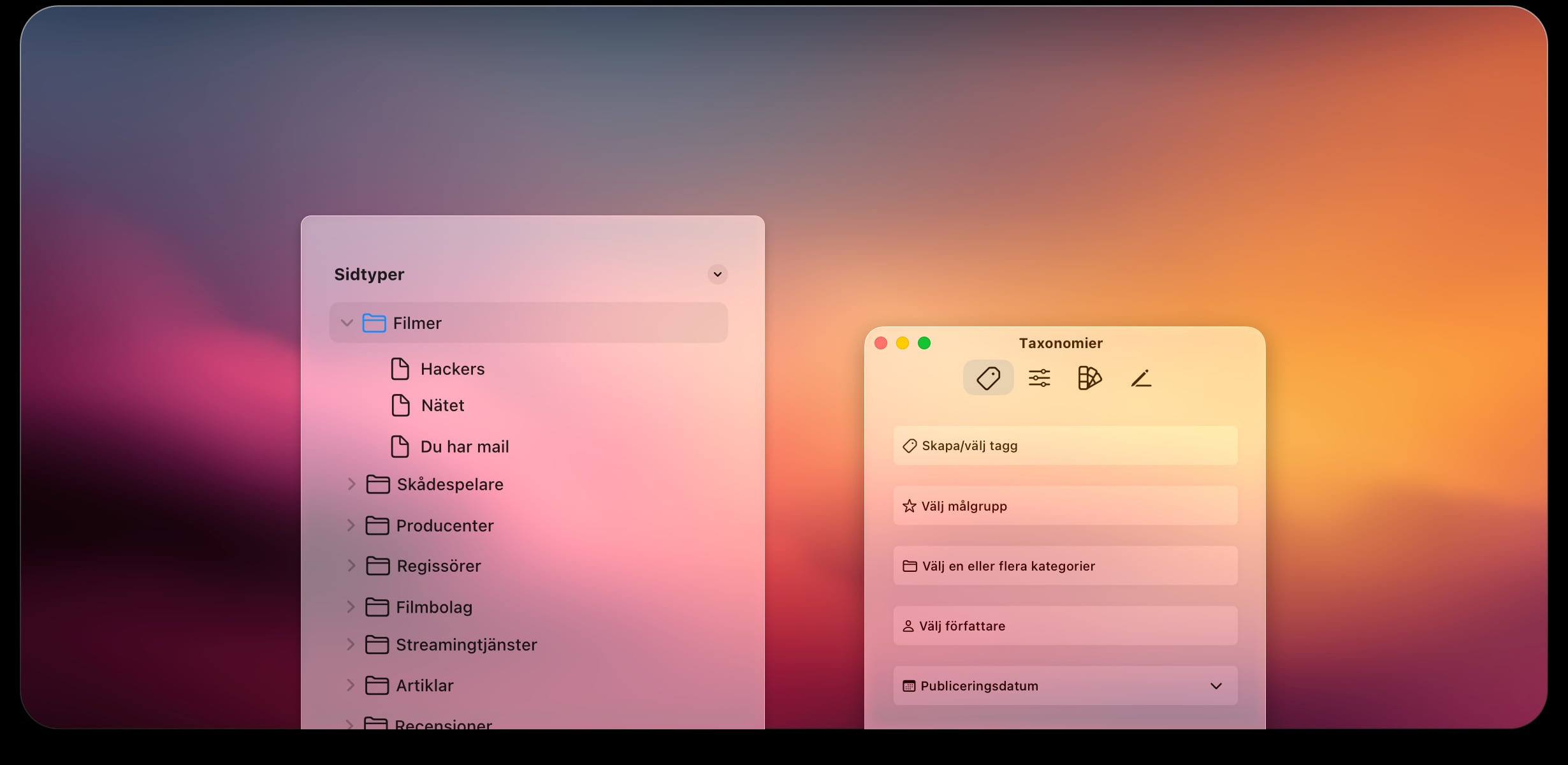
A favorite child has many names, it is said. So also what the content on your site can be called. Depending on CMS, the content type can be called, for example, article, item, post, page, or product, and usually belongs to some form of content type. That is, a template for what a content page should contain, or how it should be sorted. If you have a CMS that supports different content types, this usually means you can give the content type certain attributes, or assign a set of fields tailored to that type of content.
Examples of different content types are news articles, information pages, events, or blog posts.
Creating different content types is one way to group content, but where the other way to group and manage content is by using taxonomies.
A taxonomy differs from content types in that you instead group content in existing content types by classifying the content with, for example, tags, categories, or terms. This means you can group and create relationships between different content or content types, without having to adjust the structure in CMS itself.
Examples of taxonomies are subjects, properties, areas, or target audiences. In short, a taxonomy can be applied and used in existing content types to create relationships between content or simply group the content, regardless of content type.
When Should I Use Different Content Types and When is Taxonomies Enough?
Now that we have defined the difference between content types and taxonomies, we can look at when it is reasonable to create content types, and when it is not necessary.
📁 When You Should Use Different Content Types
Most, if not all CMS systems come with a standard type of content. In many cases, as an administrator, you can create your own content types yourself, sometimes you need to do it programmatically in code, and in some cases a combination of both. This is something that depends on both the choice of CMS and how the CMS is set up. It is, however, good to keep in mind that just because you can create content types does not mean you should. Below I list some instances when a unique content type can be justified:
- If the content on your site needs to have its own structure or metadata (field sets) that differs from other content.
Here is an example where we assume that we have a site where we review films and list upcoming concerts, where the basic information differs:
🍿 Movie:
Fields for actors, director, genre, producer, film studio
Support for displaying videos and images/image galleries
Link to service where you can stream the movie
👨🏻🎤 Concert/Event:
Fields for band/artist, concert venue, date, city
Support for music player
Map integration to find the concert venue
Link to a place to purchase your ticket
If the design or layout of the actual content needs to be customized based on the type.
If there is a need to be able to give different editors access to certain types of content, but not others.
However, you should not create new content types unnecessarily, as this can lead to a more complex setup, more expensive development (if the customizations between different types should differ a lot), or if the volume of content is relatively low. Even if the need for different fields or attributes may differ between your pages, you can manage with just one type, with the help of taxonomies, if the amount of content is relatively low or static.
🏷️ When You Can Get By With Taxonomies
As mentioned earlier, taxonomies are a way to classify content. Common types of taxonomies are tags, categories, and terms. Sometimes this is done in combination between different taxonomy types, but in other cases you can get by with just one type.
Within taxonomies there are different properties to the different types we gave examples of above. If you use categories to group content, it usually means that all content needs to be placed in a category. A tag, on the other hand, is usually optional to use, and is not dependent on either category or content type.
It is very common that these are used in combination with each other, to be grouped at different levels. We take a recipe site as an example. A category could be "Cakes," but a recipe is tagged with "Gluten-free" and "Family-friendly."
This results in a visitor easily navigating to what is to be cooked or baked, as well as if there are properties that are shared by other content, regardless of categories, and where a click on "Gluten-free" for example could have given you a list of recipes for both gluten-free cakes and pizzas or breads.
Another difference between categories and tags is that categories are hierarchical in nature, i.e., you can create nested subcategories, while tags are usually not grouped at all.
You Can Get By With Taxonomies If:
There is to be only one content type (e.g., pages, or posts)
You only want to build relationships between different content/articles
Your content does not require extra fields or attributes beyond what a basic content type offers
Significance and Effects of Your Choice
Regardless of which path you choose, it is good to be aware of the possibilities and limitations of your choice.
SEO (search engine optimization) - Regardless of which path you choose, both taxonomies and content types have an impact on how search engines choose to index your site. Content types and categories help, for example, Google to more easily understand structure and subject, while tags increase the search engine's understanding of how different content is related. That said, nothing weighs more heavily than the other for search engines. That is, creating a new content type, even if it is not needed, in the hope that you will be more easily found through search engines, will not help you. Similarly, you are not helping search engines if you have a large amount of separate content but without grouping.
Forcing in content types or tags that are not needed, not only makes it harder for an editor to work, but can also create confusion for the visitor with, for example, tags that only lead to the current page.
Clear keywords, categories, and taxonomies regardless of whether you use different content types, can help your users by building in filtering capabilities, where the visitor based on these fields can filter their way to relevant content.

Things to Think About and Tips Before You Start Structuring Your Content
Develop a simple content model early. That is, map out different types of content and what requirements exist for the content, and what metadata is really necessary for your content.
Do not create content types unnecessarily, but keep the number down as much as possible. This is to make it easier for an editor, more efficient for a developer, and smoother to find the right thing for a user
Be consistent. If you have identified metadata that you want to have in your content, make sure that metadata is used, and that it is clear what that data is intended to be used for.
Make a simple strategy for tagging to provide context and build relationships. But be restrictive with how you use tags. It is easy to get tag inflation, and if the tags become too many, these become both irrelevant and harder to maintain.
Do not forget that all levels of content types, categories, and taxonomies need to be reflected for the user. For example, if there is a category for the content, you should also be able to go to the category in the frontend as a visitor and get the content listed. The same applies to tags, a click on a tag must take the visitor to a page that lists content tagged with that specific tag.
Think ahead. It is always easier to add a new content type or category than to merge or split content into a completely new structure.
Respect your CMS limitations. Almost all CMS systems offer some solution for grouping, categorizing, or relating content. Make sure you are familiar with where the CMS you use or will choose supports your strategy and your needs. Trying to force functionality to fit a certain structure rarely turns out well. Check what is already there, and how it can be used to fit you and your organization.
Examples of Content Types and Taxonomies in the CMS We Primarily Use:
WordPress: By default there are two different types of content in WordPress, Pages (static pages) and Posts (posts/blog posts). By default, both tags and categories are available to classify content, but only for the "posts" content type, by default.
However, you can create entirely new content types in WordPress if you are somewhat experienced with PHP development and WordPress as a CMS.
Statamic: In contrast to WordPress, Statamic offers the ability to easily create unique content types directly in the admin interface. All content belongs to what is called Collections. Collections are different content types, which have a so-called Blueprint associated with them. A Blueprint is the template with field set and taxonomies that should exist for each Collection. By default, there are no categorization or tagging, but these are created as taxonomies linked to other collections.
That is, if you want support for categories in Statamic, you create a collection called categories. If you then want to use these categories in a collection called blog, you simply add a taxonomy that lists what is in your category collection. It may sound advanced, but in practice it is a very simple and smooth way to structure content.
Optimizely: Of these examples of CMS systems, Optimizely is the most complex, but also incredibly scalable. Here you use Page Types defined in code and form different content types. For categorization, Optimizely has a built-in system for just categories, which are presented in a global tree structure for the editor.
Categories in Optimizely function as a taxonomy (but can be hierarchical if desired) but are in principle a tag used by developers for filtering, search, or navigation.