CMS That Works for Both Developers and Users
In this article series, we will look at the different CMS systems that we at Itiden prefer to use, when we use which, and what strengths respective CMS systems have.
But first we should explain what a CMS is.
What is a CMS?
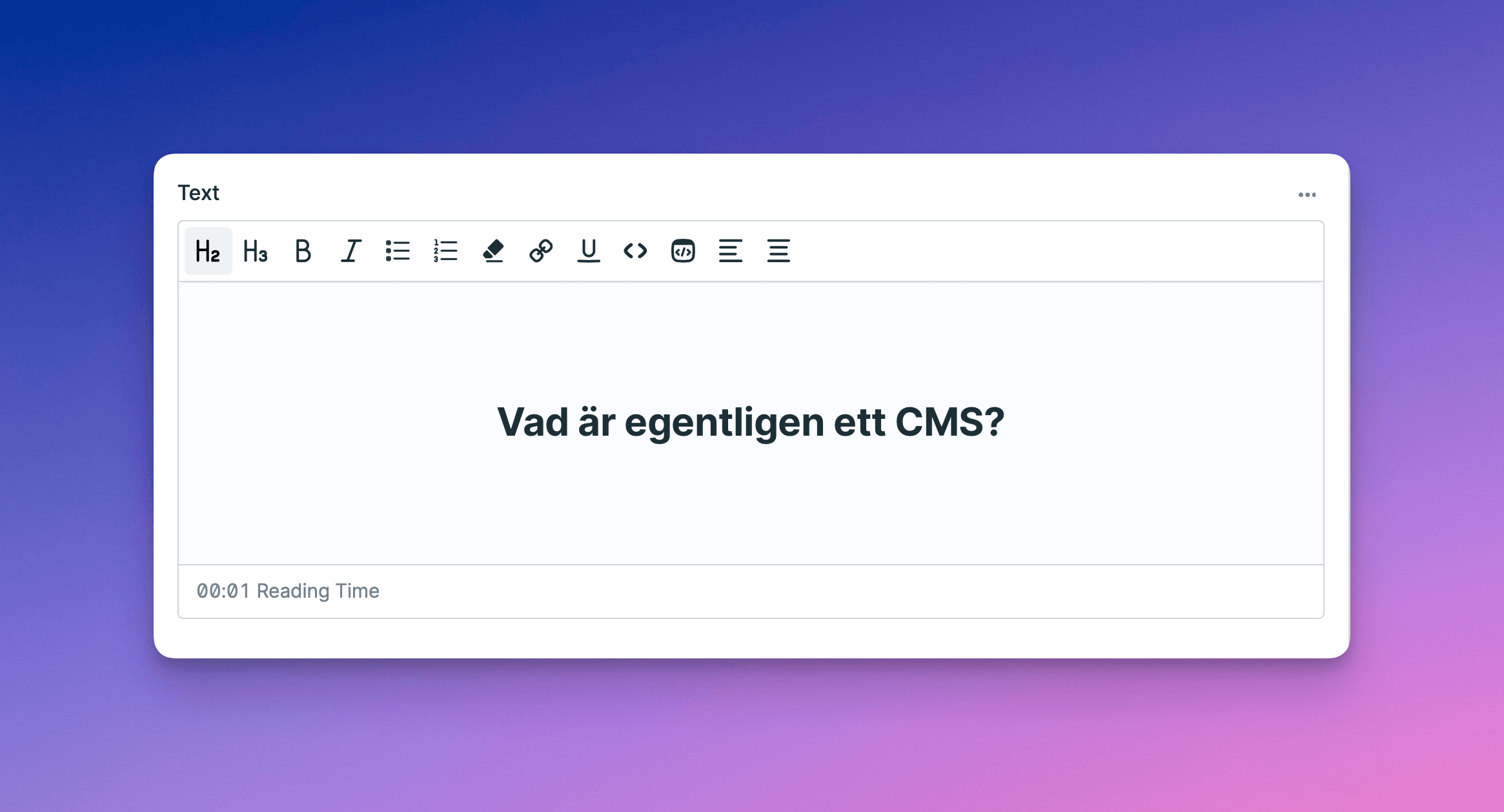
What does the acronym CMS actually stand for?
Chorizo With Mustard?
Chaos Manager Supreme?
Content Management System?
The simple, and perhaps boring, answer is option 3. The letters in CMS stand for Content Management System, and is the system in which a website and its content are managed and created.
The range of CMS is large, and if you lack experience or knowledge, it can be difficult to make informed choices that suit the purpose of the CMS.
Among the absolutely largest and most popular CMS systems, we find WordPress, Drupal, Joomla, Umbraco, and Wix.
However, that a system is popular does not mean it is always the best choice in every given situation or need; all CMS systems come with their strengths and weaknesses, and are built with different technologies, which ultimately work differently well with other systems.
Definition and Types of CMS
What defines a CMS is not always obvious. In short, you can say it is the system you use to create content and manage it. Whether the content happens to be blog posts, company information, or products that can be purchased in a web shop does not matter much.
Below we list a couple of examples of different types of CMS and their primary areas of use.
Traditional CMS
Among traditional CMS systems, we find a wealth of options. What defines it as a traditional CMS is that you have the ability to expand with new features, and are not locked to one content type. However, this does not mean that these are the best choices for everything, and whether they are free, use a database, or are a so-called "flat file" CMS may vary. The technology they are built on can also vary, which can affect the choice of system.
Web Shops
Although many web shop solutions offer the ability to create simple content pages, it is what distinguishes these systems is the focus on selling products and marketing them. Many traditional CMS systems offer "plugins" to be able to offer web shop functionality, however, these are usually limited or less robust than dedicated systems.
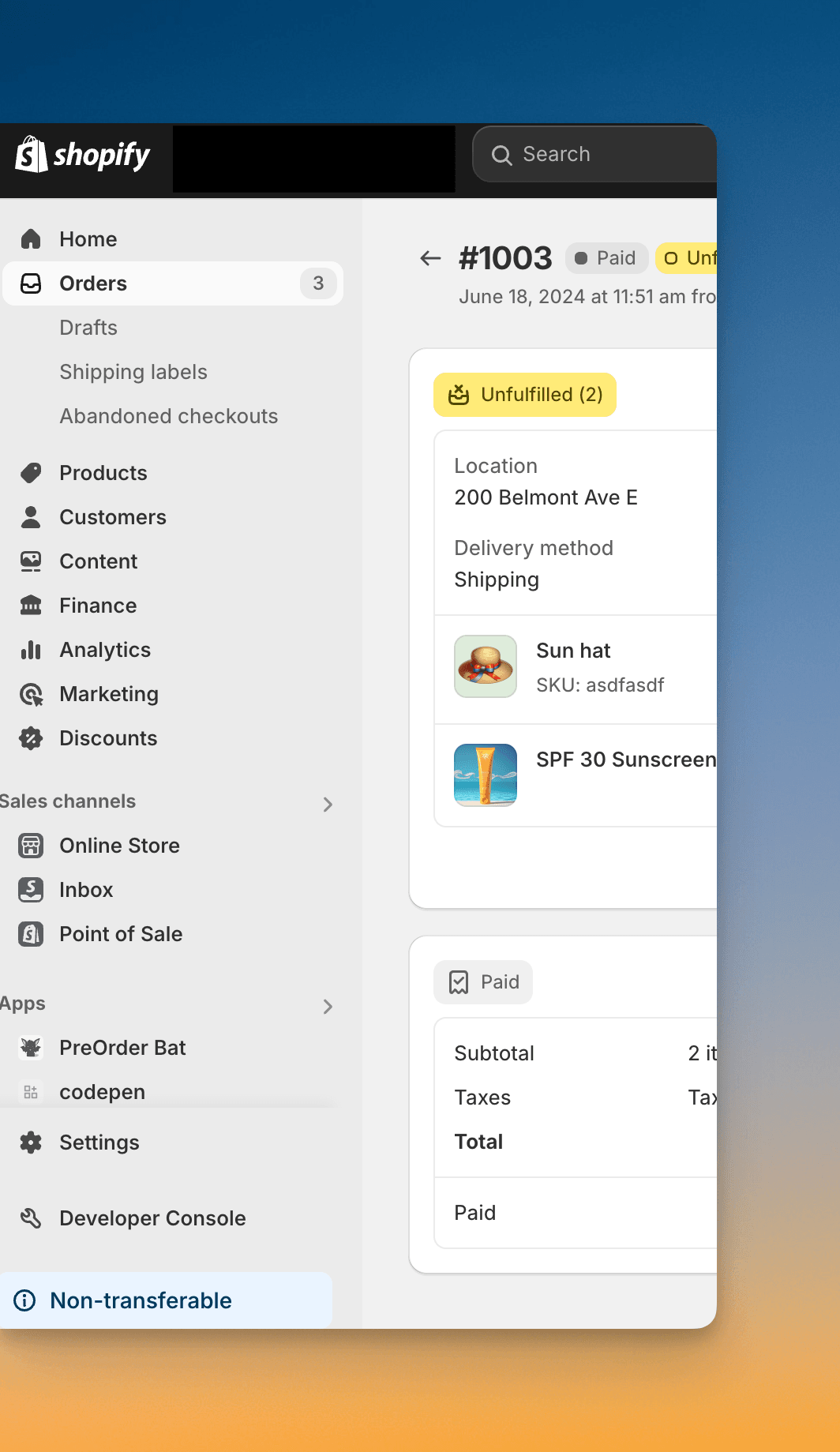
Page Builders
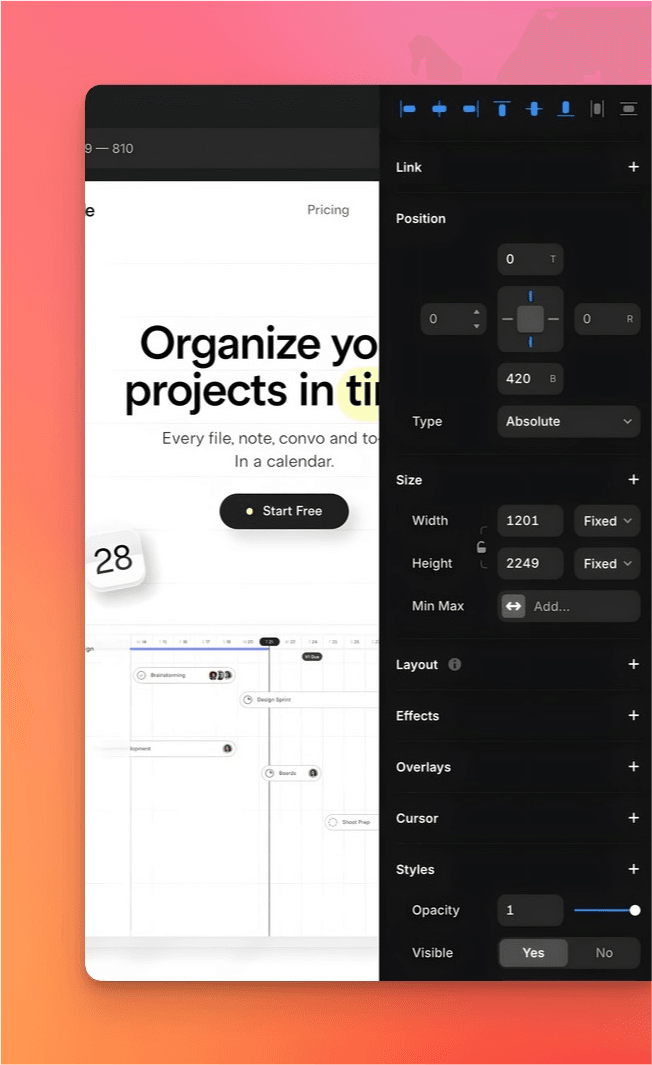
There are a wealth of different page builders. What distinguishes a page builder from a traditional CMS is that in addition to content you can build an entire website yourself, with design and everything else. Although we at Itiden do not use these solutions, there is definitely a market and a use case for these systems. It can be for the small business that does not need to be able to manage a large amount of content, and perhaps neither has the time, budget, nor need for anything more than a simple site where you can find contact information and basic information. A page builder usually comes with a monthly fee for the tool itself.
Enterprise CMS
Enterprise CMS
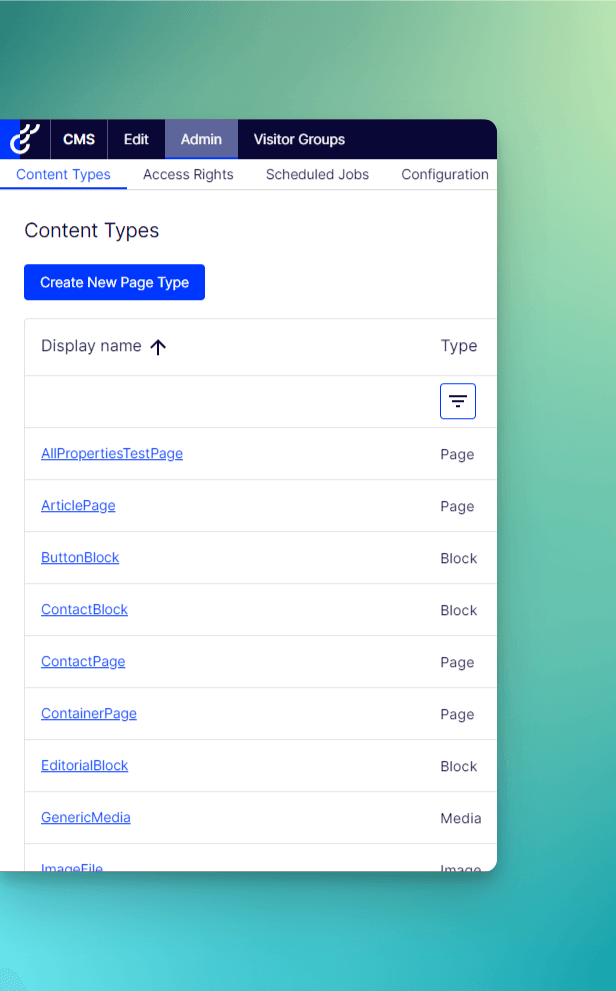
Although many of the already mentioned CMS systems can be used for larger, complex sites, there are sometimes needs for systems where you pay for maintenance, support, and functionality, and which have pre-built integrations with other larger systems. For these cases, there are a bunch of CMS systems, which primarily suit larger companies with higher budgets.
Headless
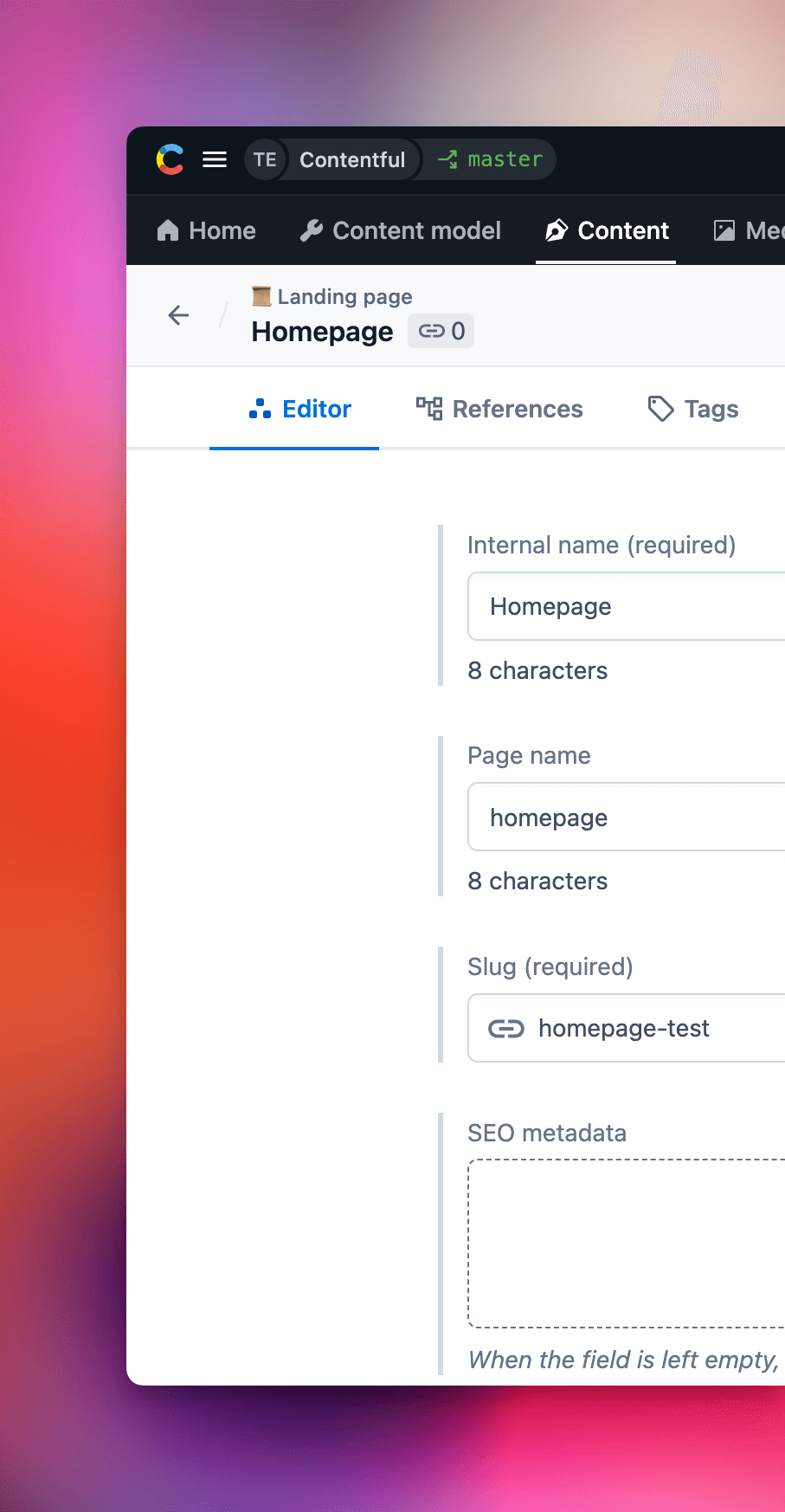
A headless CMS means that the backend (administration interface) and frontend (the part displayed to visitors) are separated. This means in theory that whenever you want, you can decide to change the frontend part, or the technology it is built on, without affecting the content in the administration part. However, most CMS systems that are not entirely dedicated headless CMS systems can act as headless CMS systems. Below are, however, some that are entirely headless.
Flatfile
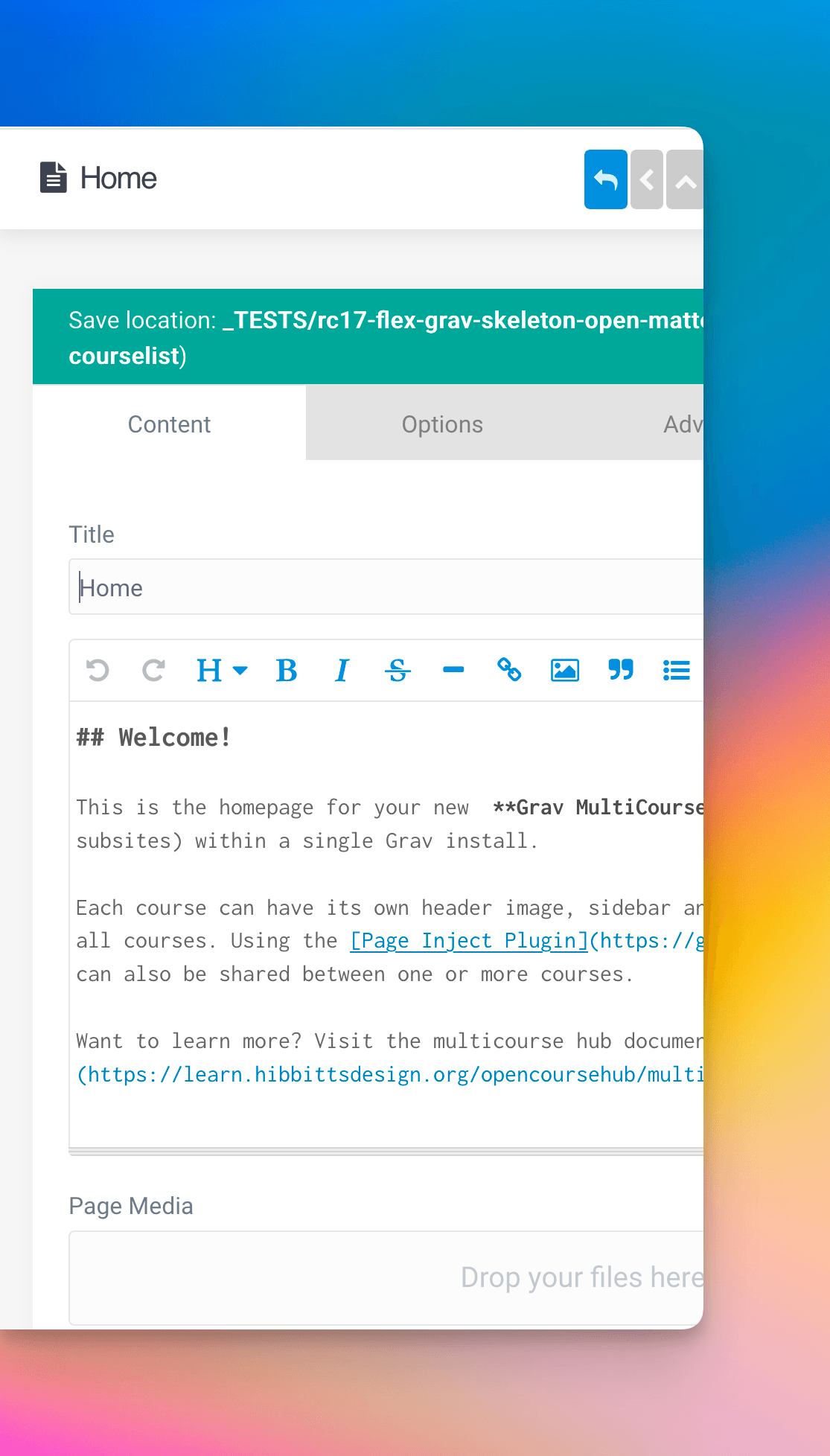
With a flatfile CMS, there is no database where content is stored. Instead, all data is saved in files on the server. This makes flatfile sites extremely flexible and easy to install, and can be moved to a new server without major interventions or worries. With the absence of a database, certain security risks that a database can carry disappear, and sites often become faster and easier to load for visitors.
However, it should be said that this applies as long as the site does not grow too much in size in terms of content and complexity. If there are large amounts of content to be managed, the amount of files created risks causing it to become slow to load the content.
Which CMS is Right for You?
Which CMS is right for you is a question with no simple and definitive answer. It depends entirely on circumstances and needs. Although we at Itiden have worked with several of the CMS listed in this article, it is primarily three of these that we work with today. This is mainly because they are proven, stable, and offer a breadth and quality that makes us know that we can effectively develop in them, and that there are no limitations in what we can do with these.
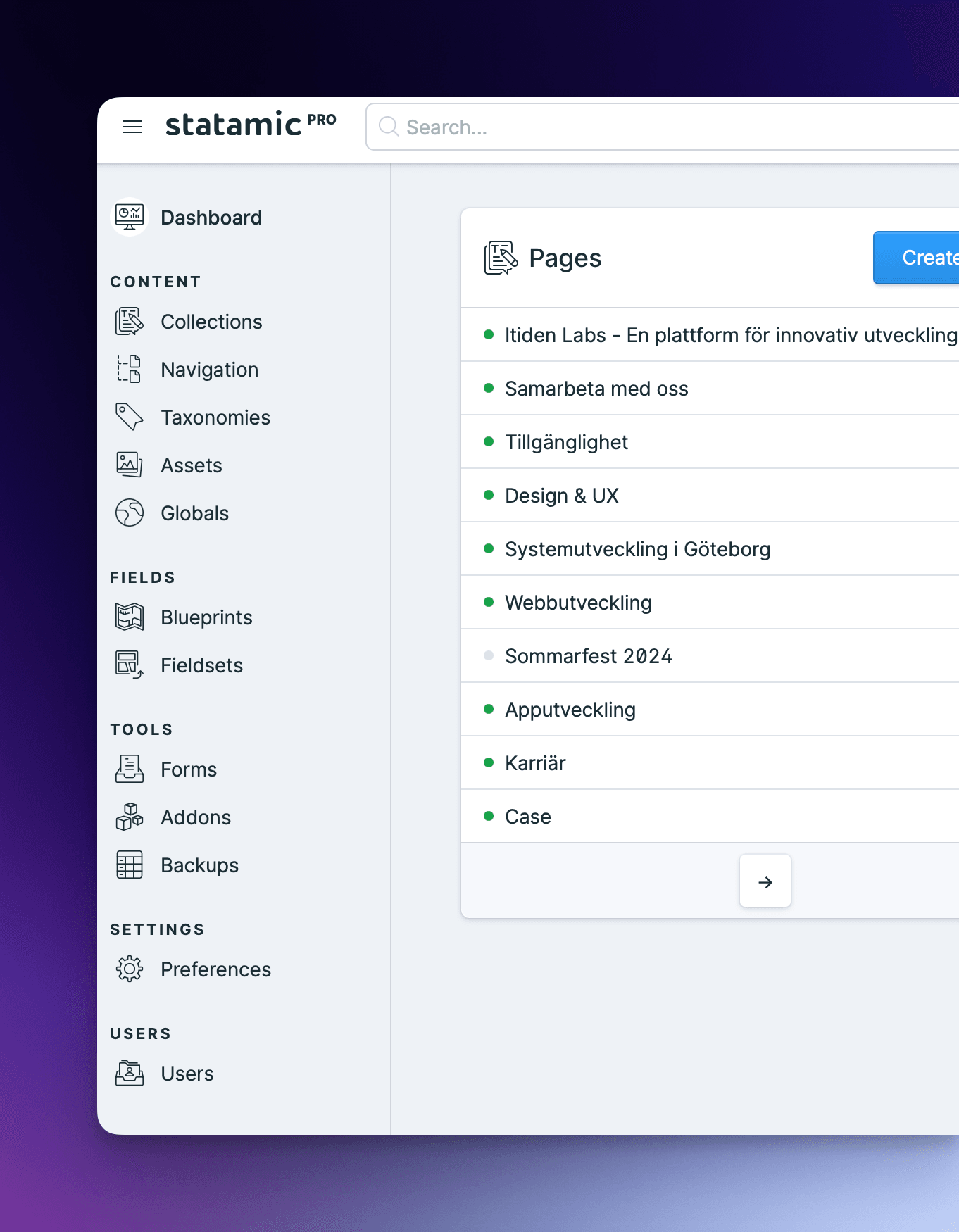
The CMS we at Itiden primarily work with and recommend are Statamic, WordPress, and Optimizely. The reasons why we work with these are many, and we tell more about them in our respective articles about the systems, which you can find below.
Questions and Answers
What Characterizes a Good CMS?
A system that is intuitive for editors, flexible for developers, and future-proof for changes.
Should You Choose Open Source or Proprietary CMS?
It depends on your needs: open source is cost effective and flexible, proprietary can provide more support and controlled features.
How Does CMS Choice Affect Accessibility?
A good CMS makes it easier to create accessible content according to WCAG guidelines.