WordPress - CMS that Powers Over 40% of the Web
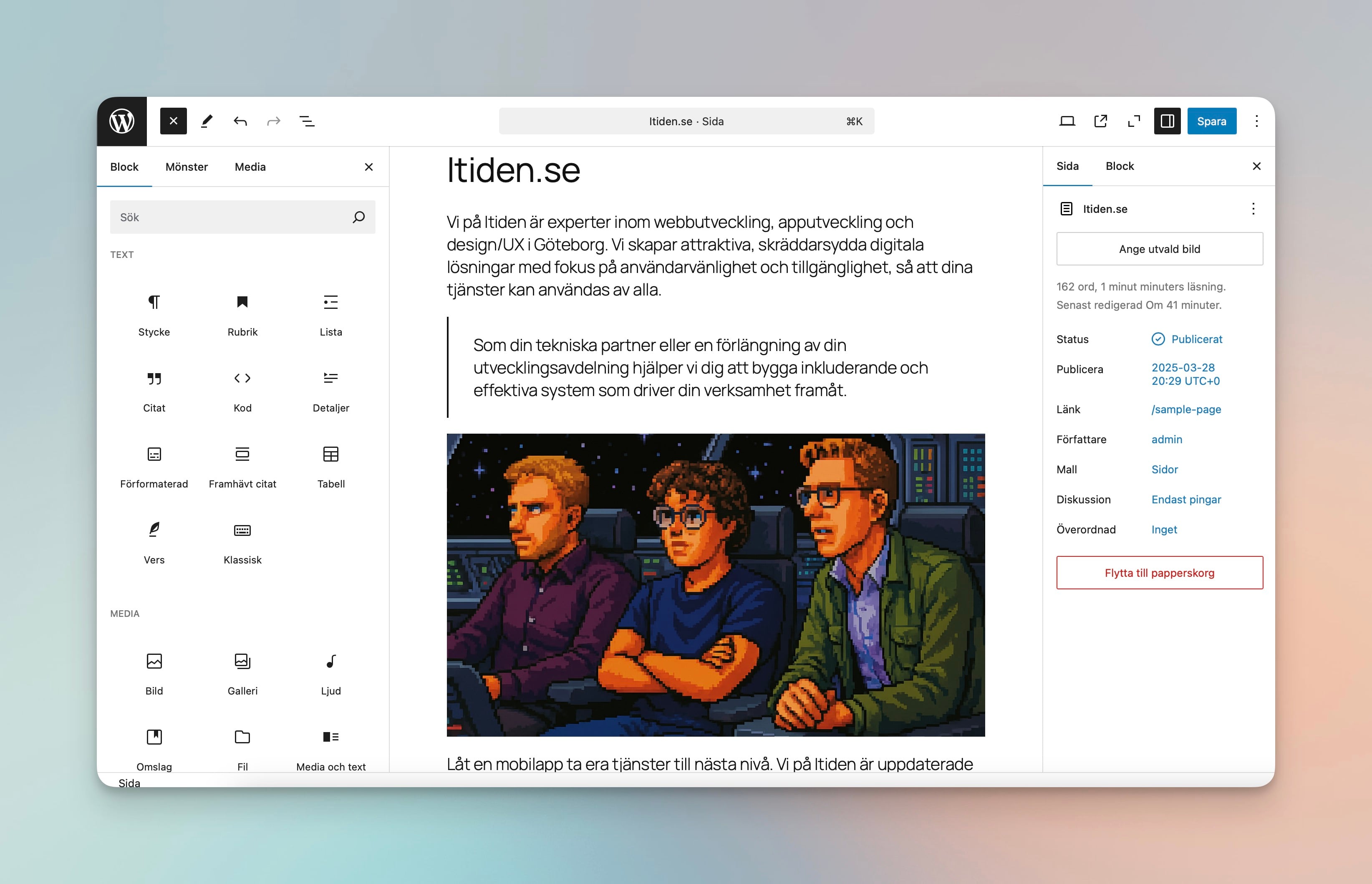
Itiden ❤️ WordPress = True
If Statamic is a CMS you haven't heard of, WordPress is probably the CMS that the most people have encountered or heard of at some point. Something that is perhaps not so surprising, given its total dominance on the market. Measurements suggest that approximately 43% of the world's websites use content created in WordPress (the figure varies constantly).
A History Lesson on WordPress 🧐
In 2003, when the first version of WordPress saw the light of day, the history of CMS was quite complicated. The market was dominated by CMS such as Mamboserver, PHP-Nuke, and Drupal. CMS that in many respects were capable of much, but often felt overwhelming and complicated for the average user.
To get people without the technical knowledge and interest to embrace the possibilities of the internet, two enthusiasts and developers decided to create a system, simple enough, for anyone to set up.
The novelty of "blogging," described as a digital diary open for all to read, had begun to arouse interest in the general public, but setting one up was far from a simple matter. It was precisely this audience they wanted to reach with WordPress. And something you have to say they succeeded with. A tool that was free for all, and simple enough to install and get started with, gave them a flying start.
The real breakthrough came in the years that followed, when in 2004 they introduced the ability to expand WordPress functionality with plugins. In 2005, they expanded the possibilities by allowing users to install themes that made it easy to choose how you wanted your blog to look.
The rest is history, and today approximately 43% of all content on the internet is created with WordPress as the CMS.
What Type of CMS is WordPress?
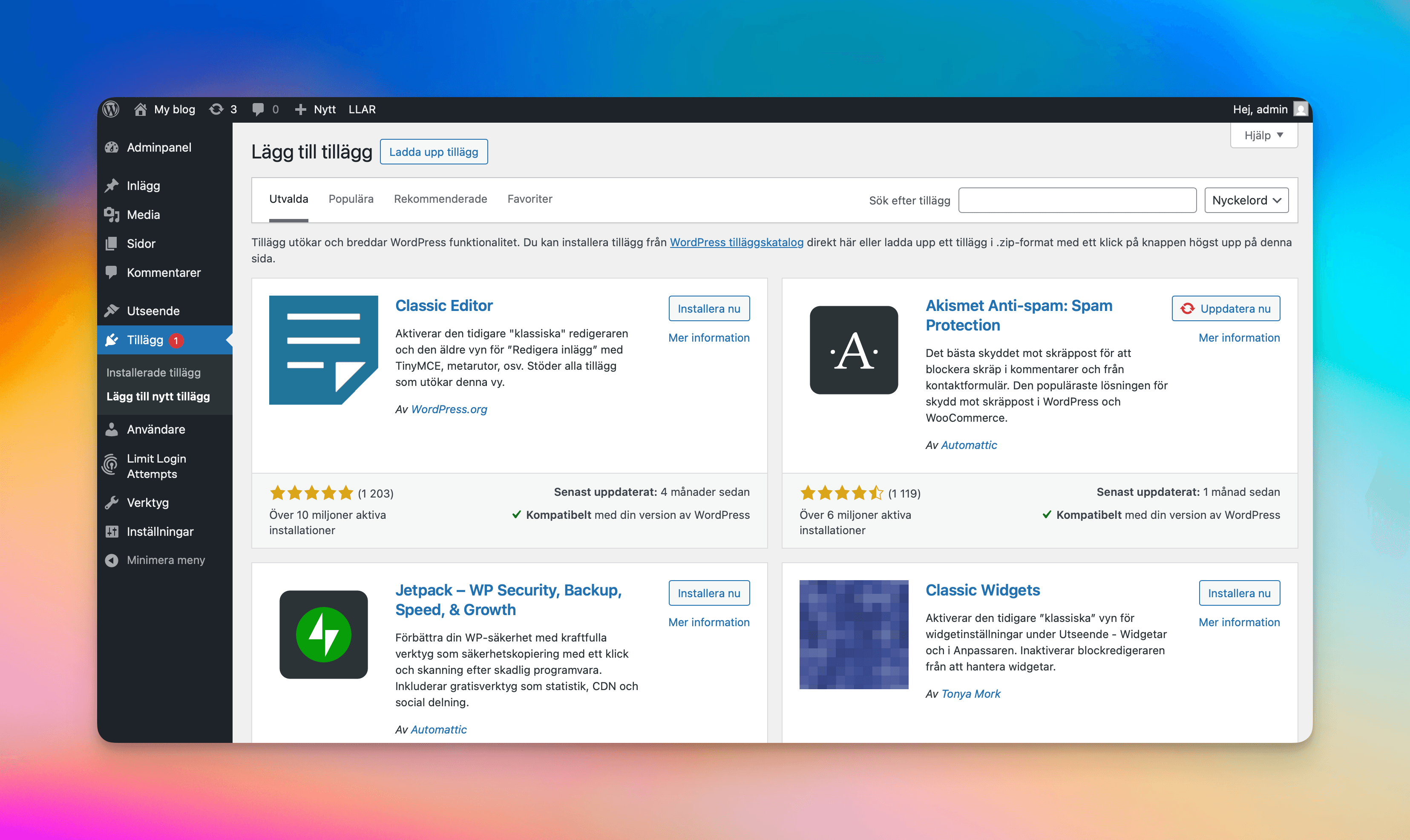
That there are several different types of CMS systems, we have already discussed here. Whether WordPress can even be classified as a CMS is something critics have long questioned, as WordPress upon installation is a relatively bare and feature-poor system. The fact that it has roots as a blogging tool, which in many respects is still true today, makes it feel like a weaker alternative to other, more complicated and complete CMS systems. This is, however, something that is solved with some of all the thousands of plugins that exist, where you can virtually find any function you can think of needing, ready to be installed and run.
As the user base is so large, the range of ready-made plugins and themes is enormous, which can be considered positive, but can also be seen as its biggest weakness. As the range of plugins is so large, you often need to make evaluations of whether a plugin is good or not, whether it is still maintained and developed, and whether it is free to use or comes with a cost. WordPress as a system is completely free and offers its source code completely openly. But as its basic functions are so limited, it may require that you install plugins, or develop one yourself, to get desired functionality.
In short, with the help of plugins, WordPress can be anything from a blog to a web shop or a full-featured company site, translated into multiple languages.
It should also be noted that the more plugins you have, the more maintenance will be required in the form of updates and adjustments.
This is usually not a big problem if you employ a company that specializes in development. We at Itiden always try to keep the number of plugins down, and if a plugin is needed, we are careful about which ones we recommend or install.
One Variant, but Two Possibilities ⤵️

WordPress with Your Own Hosting
If you set up WordPress on your own server or through a web host, you control what you want to install, whether plugins or themes. You can also configure your site yourself or with the help of a developer exactly as you want, with full control.

WordPress.com
WordPress.com offers a very simple start for those who quickly want to get a website up and running, and do not need custom functions or themes. Instead, you get a list of plugins and themes that can be installed, which are selected by WordPress.com. The ability to yourself influence how these should function or look is also limited.
Why Choose WordPress?
Many of the advantages have already been mentioned in the article, but we try to list the main advantages below.
Easy to get started with and use
Flexible enough to grow and scale with new features
Its market share size means knowledge of how to develop and maintain is widespread
Mobile responsive right from the start, both the starter theme and the administration interface
Built-in comments function for those who want to interact with their visitors
Thousands of themes and plugins, both free and paid
Like the previous point, the market share means many editors and content administrators have worked in WordPress before, and thus already know how it works
Who is WordPress For?
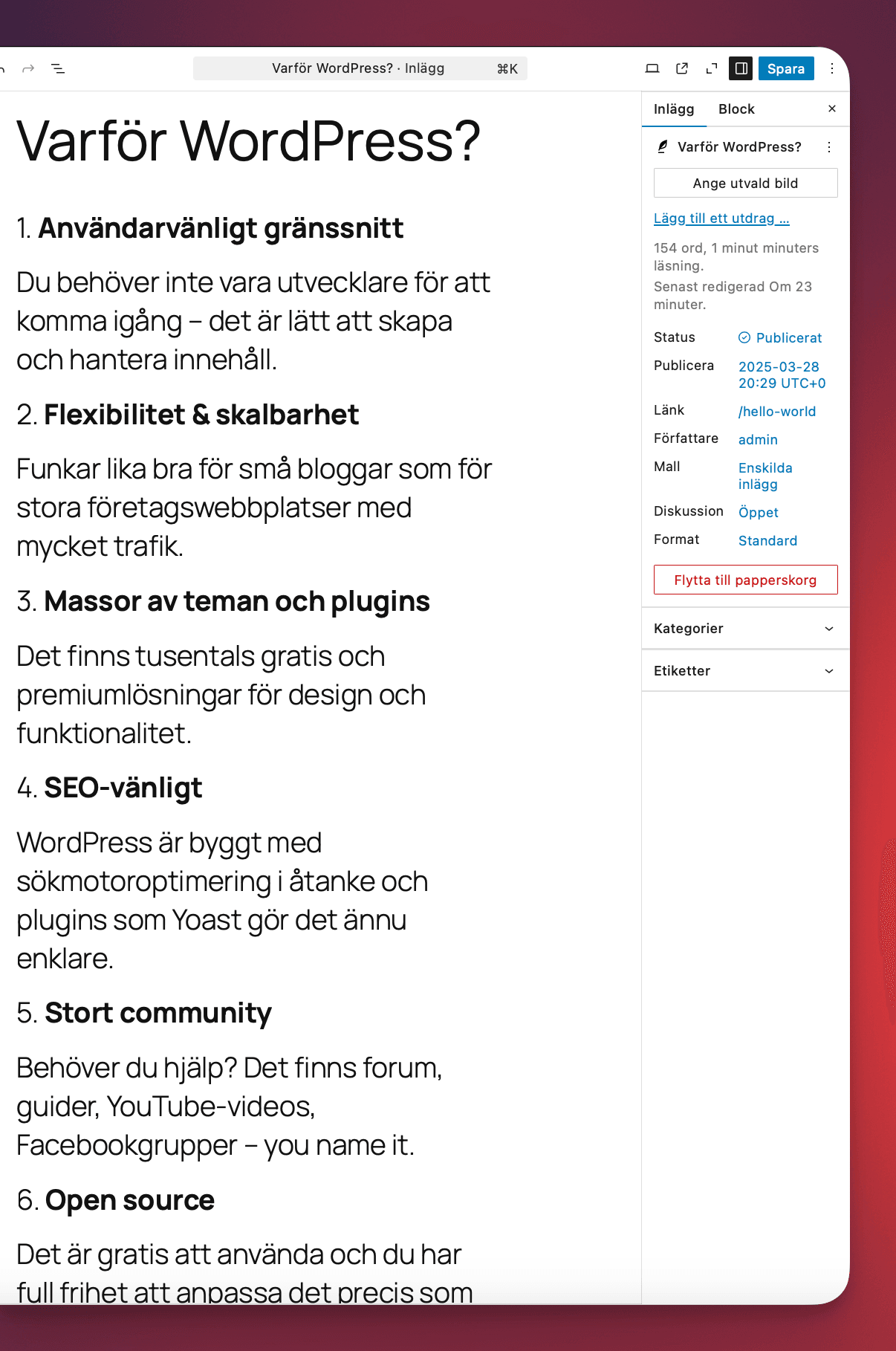
WordPress can be used by virtually everyone for most tasks. However, you should have knowledge of development yourself, or use a developer to maintain your site. New versions are continuously released that patch security holes, and new versions can also cause plugins you use to stop working. So when it comes to administering content, the system is fantastic for most people, but if you lack knowledge about security and development, you should hire someone who does this and maintains the site on an ongoing basis.
What Technology Powers WordPress?
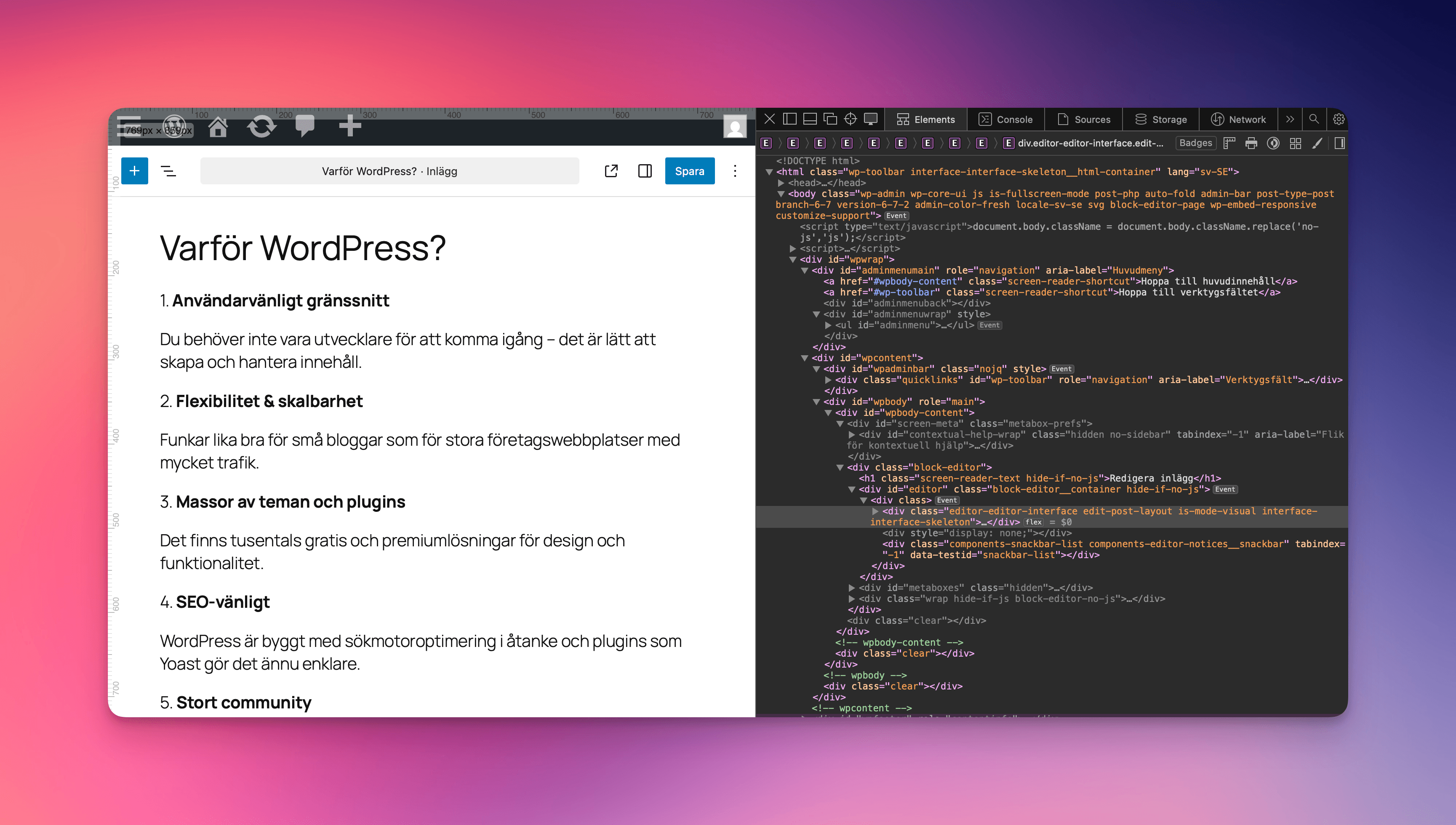
WordPress is built with PHP and the latest recommended version is PHP 8.2. To run a WordPress site you need a web server, usually Apache or Nginx, which are two of the most commonly used servers today.
When it comes to databases, WordPress usually uses MySQL or MariaDB, but from later versions there is also support for SQLite if you want a simpler solution.
For image handling, either GD Library or ImageMagick is used, which allows images to be cropped, changed, and optimized directly in WordPress.
If you want even more flexibility, you can also use WordPress as a headless CMS, where content is delivered via an API and you build the frontend completely freely – you can read more about that in this article.
For server requirements, you can read more on WordPress's own site which you can find here.
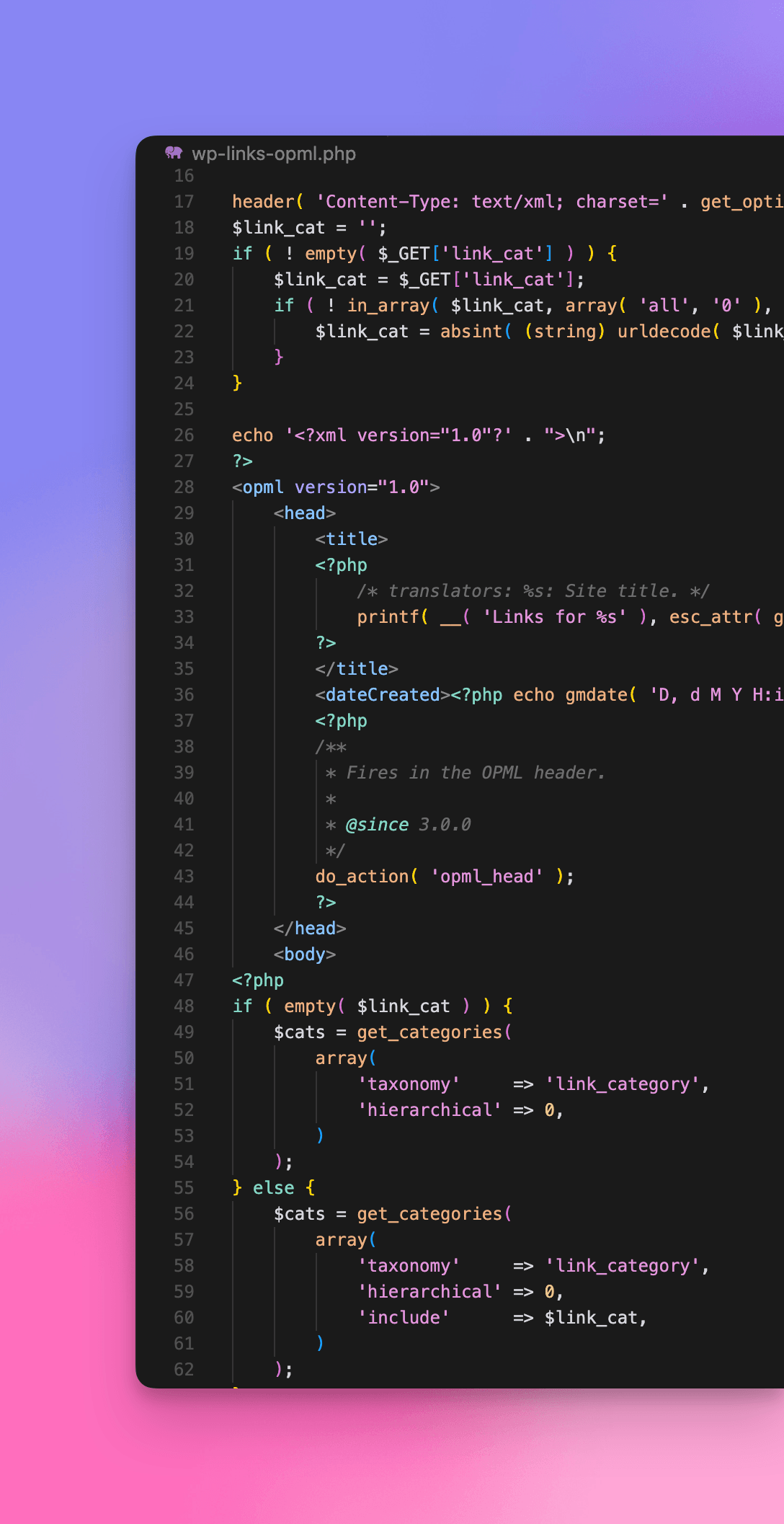
If you want to know more about how we at Itiden think about development and technology, you can visit our site, entirely dedicated to developers and technology enthusiasts. Go to Itiden.dev to read more.
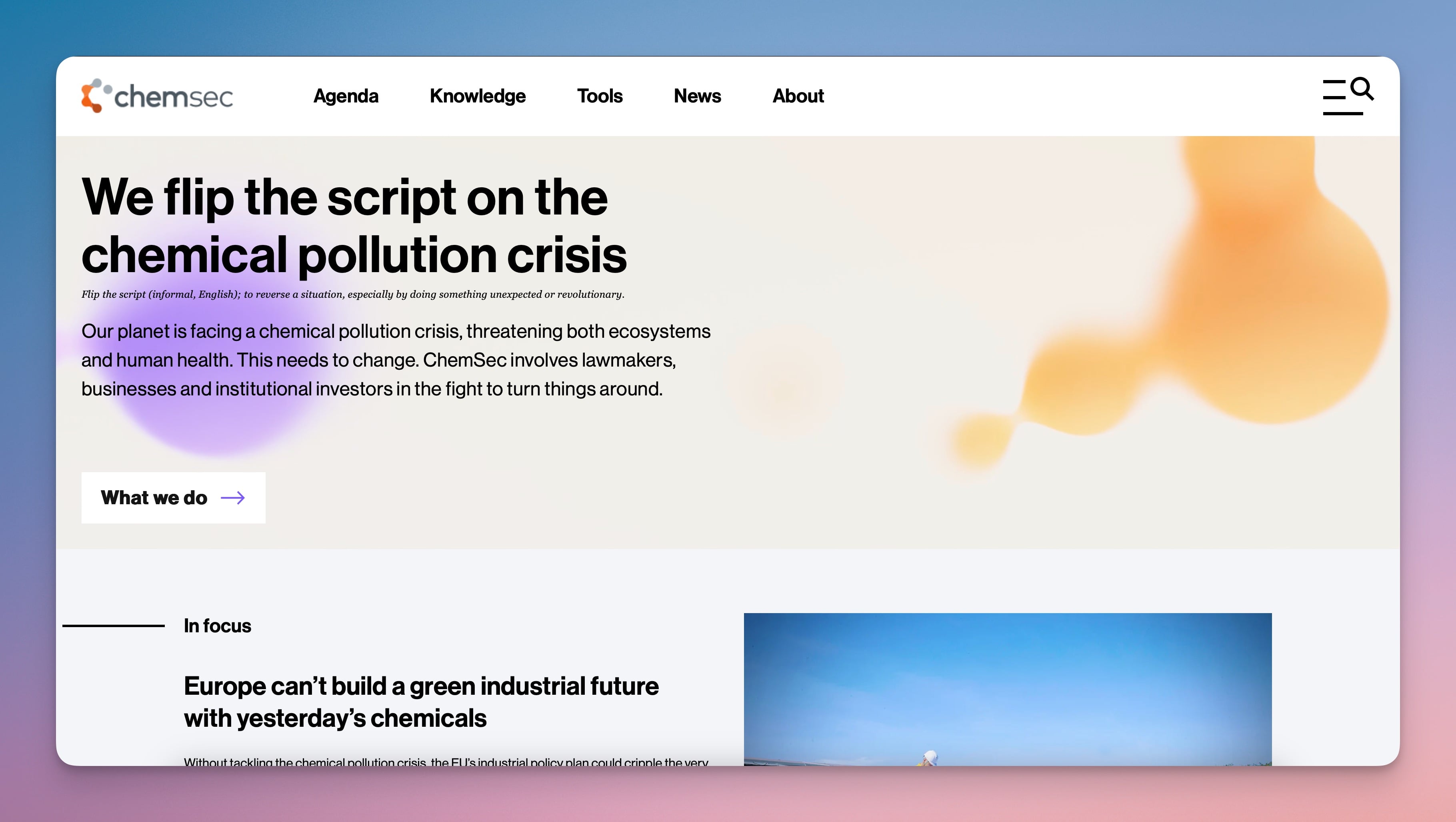
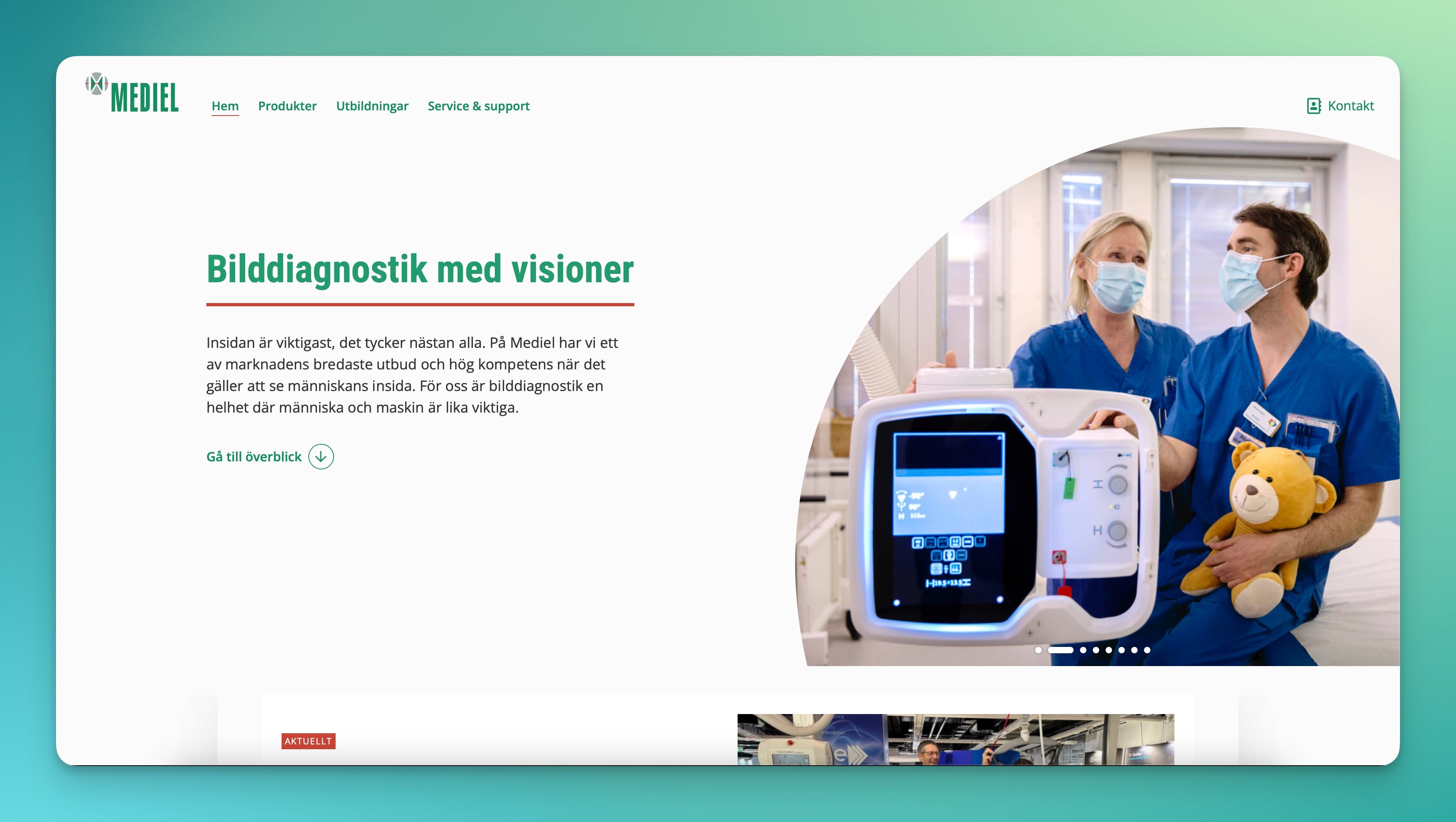
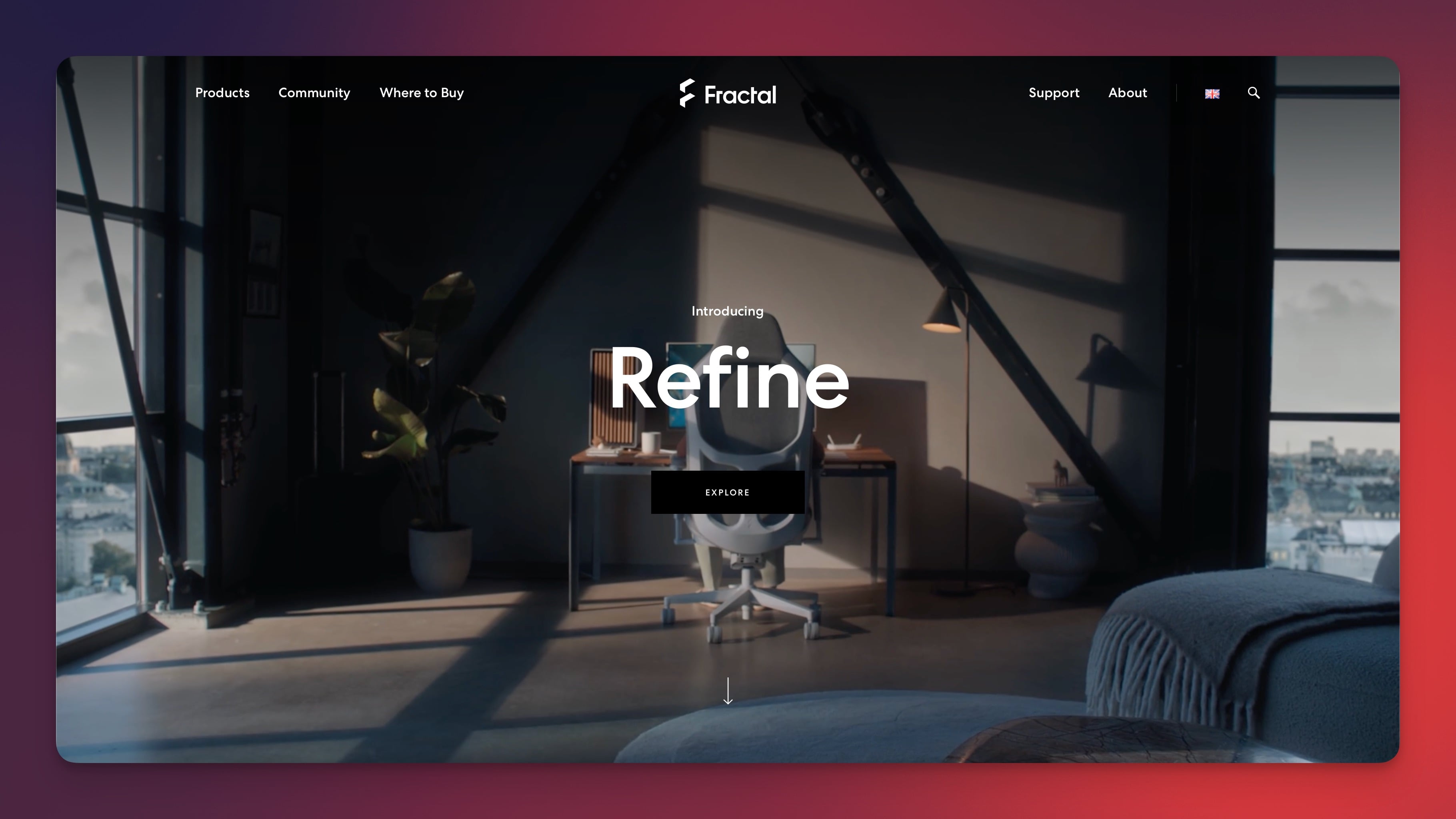
Others Who Use WordPress
Questions and Answers
What is WordPress?
The world's most popular CMS, used for everything from blogs to complex websites.
Is WordPress good for businesses?
Yes — it is flexible, extensible, and has great community support.
How does WordPress make websites accessible?
Through themes and plugins that support WCAG and good semantics.